Why this pattern is harder than it looks
Form fields appear simple because most of the surface area is blank. The difficulty sits in the states around the blank space: labels, validation, formatting, help text, and recovery after an error.
Those states determine whether a form feels calm or accusatory.
Naming and structure
Design systems tend to collapse several ideas into "input": text entry, selection, and formatting. Editorially, it is more useful to keep Form Field as the umbrella and treat specific control types as children. That keeps the page readable when you connect it back to Buttons or a higher-pressure Empty State recovery path.
What strong systems publish
Useful field documentation usually includes:
- label placement rules
- optional versus required treatment
- validation timing
- helper text guidance
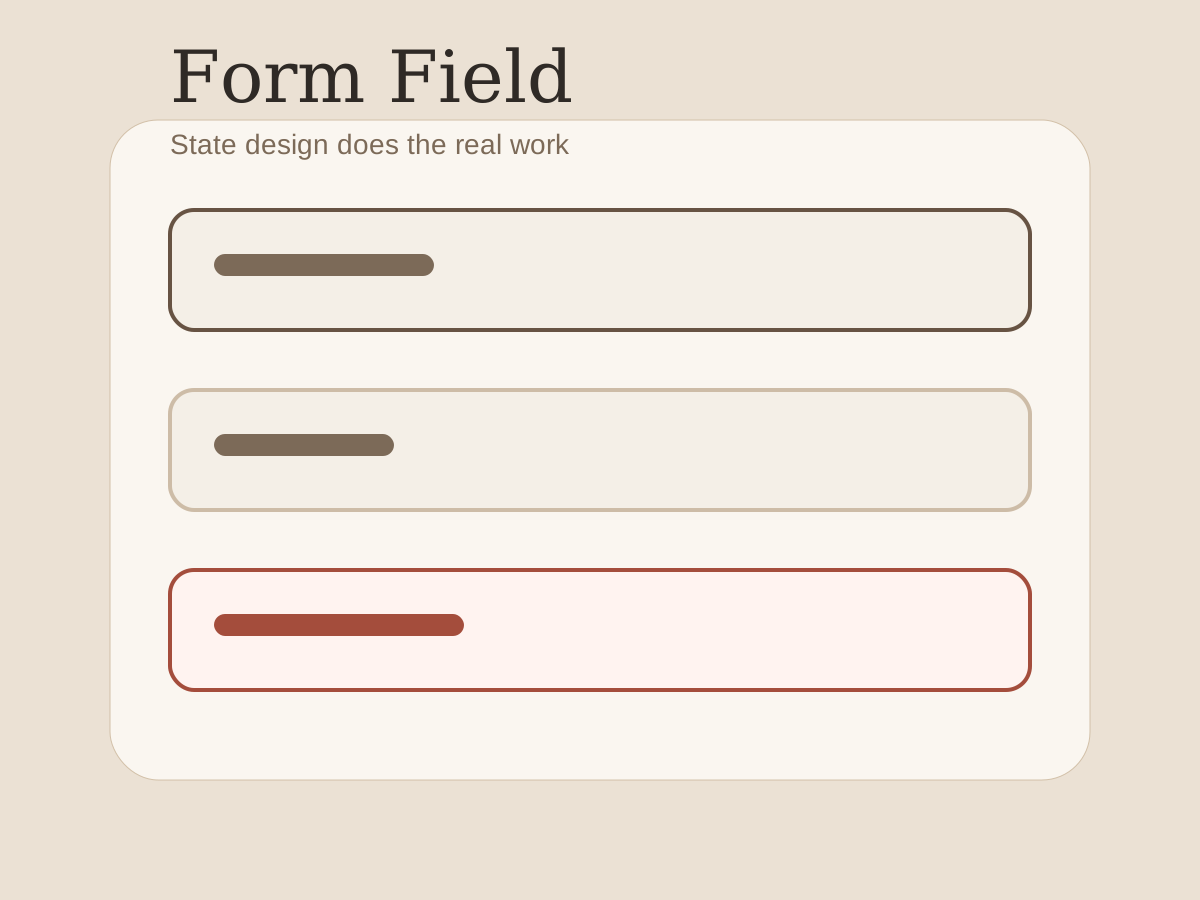
- examples of disabled, error, and success states
Without those details, teams reinvent the hard parts in each product area.
Failure modes
Inline validation that fires too early is still the most common problem. The user has not finished typing, yet the interface already behaves as if they failed.
The other common issue is inconsistency. When labels, helper text, and confirmation messages use different tones across screens, the product feels less reliable than it really is.1
Footnotes
-
Tone matters because form work is usually high-consequence. Users treat inconsistency as a hint that the system may also be inconsistent in what it accepts. ↩