Why teams add one
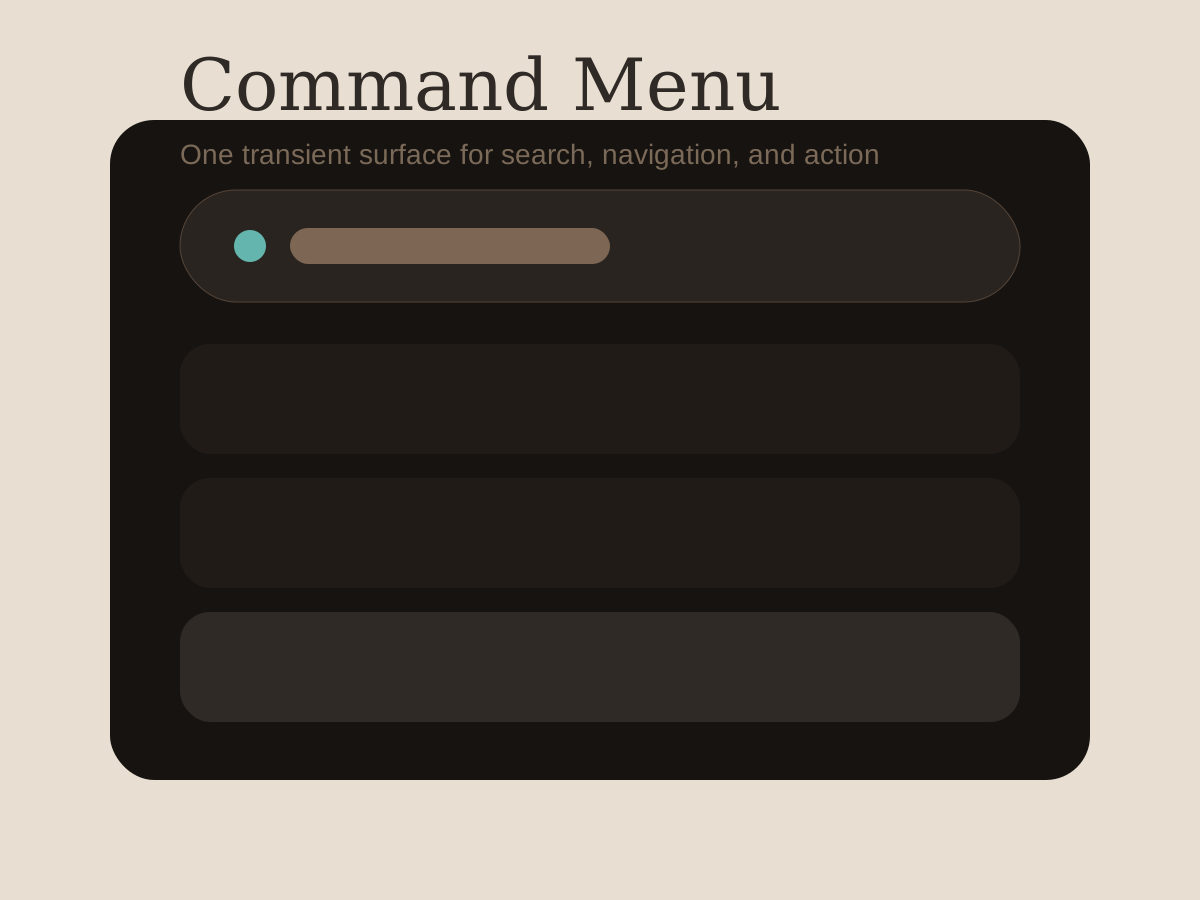
Command menus appear when navigation, search, and action density start competing for the same space. Instead of increasing toolbar chrome, products give expert users a single transient surface that accepts fuzzy intent and returns immediate actions.
That makes the component less like a modal and more like a routing layer for the entire application.
What good examples have in common
Strong menus bias toward speed:
- the first results are obviously actionable
- keyboard selection is visible at every step
- the empty result state suggests another path
- labels are consistent with the rest of the product
When the naming diverges from the base UI, the menu starts to feel bolted on. It is especially noticeable when command labels do not match the surrounding Buttons or section headings.
Where it breaks down
Menus become hard to trust when they mix navigation results, commands, and documentation hits without enough grouping. Users stop predicting what Enter will do.
Another failure mode is overloading the first run experience. If the menu needs a tutorial to explain search syntax or categories, the interaction is carrying too much product complexity for one surface.
Editorial take
This pattern is worth documenting because it reveals the operating model of a product. Systems that publish a command surface are usually confident enough in their internal naming to expose it directly to users.1
Footnotes
-
That is why the best examples often read like the product's information architecture, not like a separate command vocabulary. ↩